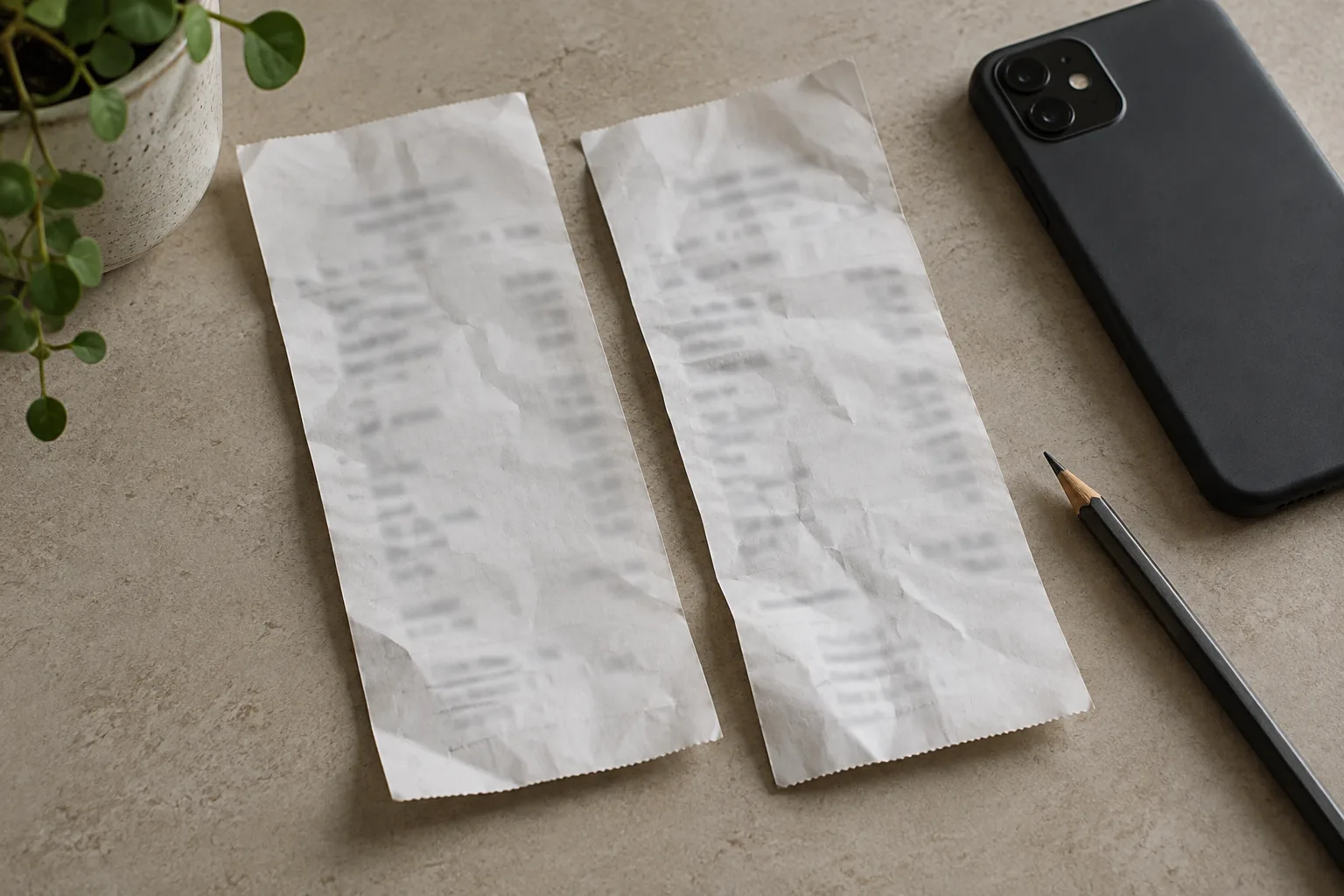
Match each charge to a purchase: check its status, receipt, order number, account and billed period. Ask the billing provider to investigate two settled charges for the same purchase. If you find two active plans instead, identify which account you want to keep before cancelling the other.
Common reasons to check first
Two entries can come from different billing periods, a pending authorisation, another account or a plan change. For Apple charges, check purchases by family members if Purchase Sharing is enabled. Apple also recommends checking any other Apple Accounts you use. A matching amount alone does not prove a duplicate purchase.
If no receipt explains the charge, contact the named billing provider through its official support. If you suspect an unauthorised card payment, contact your bank through its app or the number on your card. Do not submit card details to a site found through the transaction description.
Make a two-entry record
For each card entry, record the amount and currency, status, date and merchant name. Add the order number, plan, account and service period from its receipt. A bank posting date alone does not identify the renewal or period that the provider billed.
If one entry has no matching receipt, leave it unresolved rather than attaching it to the only plan visible on your phone. Ask the named billing provider to identify the purchase. Keep the two entries separate until you can explain both.
Check what the apparent duplicate actually represents
| What you see | What to compare |
|---|---|
| One pending and one settled entry | Whether the pending entry is an authorisation for the same payment. |
| Two payments in one calendar month | The service periods on the receipts. |
| A recent plan change | The new start date and the provider’s explanation of the charge. |
| Different accounts or order numbers | Which plan is active and who uses each account. |
| One purchase with two settled charges | The receipt and both payment records for billing support. |
Spotify’s help describes temporary authorisations, retries after failed payments, delayed billing and plan changes. It also suggests checking for another Premium account. These are checks for Spotify, rather than a promise that another provider handles payments in the same way.
Find the account that made each purchase
For Apple purchases, sign in to reportaproblem.apple.com and search your purchase history by amount. If the item is missing, check other Apple Accounts you have used. Apple also explains that purchases made through alternative payment systems or a developer’s website are not processed through its own purchase system.
For Google Play, open the profile menu in the Play Store, then Payments & subscriptions → Budget & history. Compare the order with the confirmation email sent to the purchasing Google Account. For a provider or mobile carrier purchase, use that company’s receipt and account page.
The account currently signed into the app may not identify both purchases. Use the receipt to connect the charge, billing channel and service login. If you need a broader review, follow the guide to finding all your subscriptions.
If there are two plans, choose what to keep
Check where your files, history and other people’s access are stored. Confirm which account you want to keep, and record the order attached to it. Do not cancel the first plan you find simply because its name resembles the card entry.
End the unwanted plan through its billing provider, complete the confirmation steps and save the end date. Google Play states that uninstalling an app does not cancel a subscription. If a further charge appears after a confirmed cancellation, use the separate guide to charges after cancellation.
Send billing support a specific comparison
Give the order number, both charge records with amounts and currencies, and the service period from the receipt. Say whether you found two plans or suspect two charges for one purchase. Ask the provider to explain the link between the payments and orders. Handle any refund request separately from stopping the next renewal. Apple warns that you may lose access to refunded items; check which purchase you are requesting a refund for.
After the explanation, update your list so each active purchase has one identifiable entry. A pending authorisation is not an additional ongoing subscription. Record any refund when it arrives, rather than subtracting a hoped-for refund from your spending.
Common questions
Why do two subscription payments appear in one month?
The receipts may cover different periods or a plan change. Spotify describes delayed payments and plan changes among the possible explanations. Check the billed period and payment status before treating the two entries as duplicate charges for one purchase.
Why is the second purchase missing from my app store history?
Check the store account used for that receipt. You may be looking at a different account. A purchase billed directly by a provider is another possibility: Apple explains that purchases made through alternative payment methods are not processed through its purchase system.
Can Renelly find duplicate charges for me?
No. Renelly does not connect to your bank or examine receipts. You add subscriptions yourself and use the app to keep track of costs and upcoming payments. Use your receipts and purchase history to identify the charges first.