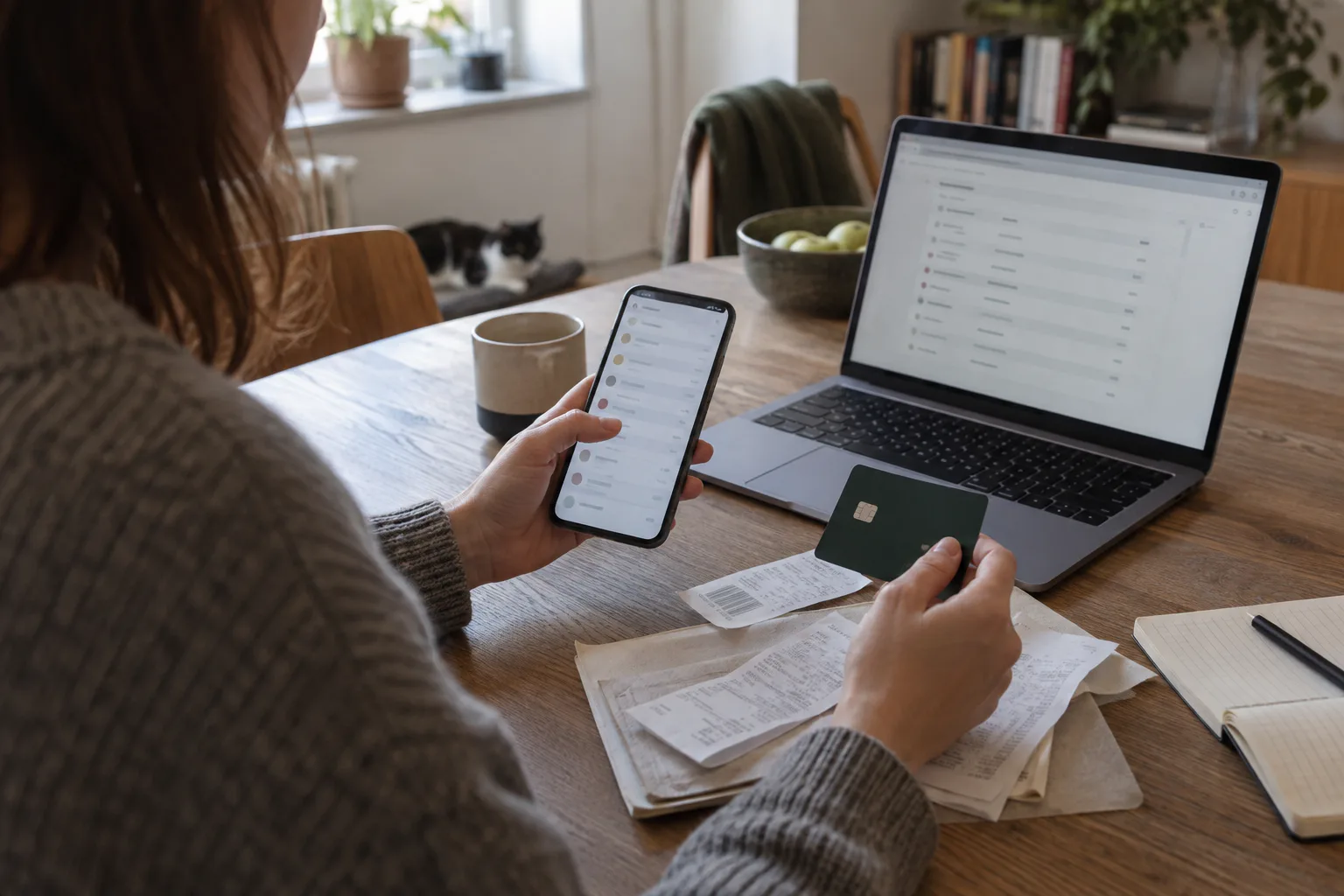
The short answer: check the subscriptions in your Apple Account and in Google Play, twelve months of bank and card statements, your direct debits, PayPal, your phone bill and your email. For each subscription, write down the service, the amount, how often you pay and the next payment date.
Why no single screen shows them all
Apple and Google only see what is billed through their own stores. A subscription you took out on a provider’s website does not appear there, and neither do direct debits, PayPal payments or services charged to your phone bill.
So start with a simple table: service, amount, how often, how you pay, next payment and decision. Don’t cancel anything until the list is complete. A handful of small amounts often adds up to more than the one big subscription you think of first.
1. Check the subscriptions in your Apple Account
On an iPhone or iPad, open Settings, tap your name, then tap Subscriptions. You’ll see the subscriptions of the Apple Account you’re signed in with. Open each one and note the price, the billing period and the renewal date.
Missing one? Search your email for “receipt from Apple” or “invoice from Apple”. The receipt shows which Apple Account was used — perhaps an older account or a family member’s. If there is no receipt from Apple, you probably bought the subscription from another company, and your bank statement will tell you which.
2. Check Google Play
On an Android phone, go to your subscriptions in Google Play from your profile. Check which Google Account you’re signed in with and repeat for every account you use.
Important: uninstalling an app does not cancel its subscription. The app may have left your phone long ago while the payments carry on. A cancelled subscription stays usable until the end of the period you’ve already paid for, so list it too, with its end date.
3. Go through twelve months of statements
Your bank and card statements show what was actually paid, wherever you signed up. Go back at least twelve months. A shorter window hides yearly plans, domain names, cloud storage and memberships that are charged once a year.
Many subscriptions are paid by direct debit: you gave the company a mandate to collect from your account. Your banking app may list the mandates you’ve given. Others are charged to a debit or credit card, so check each card as well.
The statement text may show a payment company rather than the brand you know. If you don’t recognise a payment and didn’t authorise it, contact your bank — it doesn’t simply belong on your subscription list.
4. Search your email with several words
Search for “subscription”, “renewal”, “receipt”, “invoice”, “payment” and “free trial”, and add the names you didn’t recognise on your statements. Remember your archive, your spam folder and older email addresses.
Email is best for free trials, announced price rises and upcoming renewals. It is never complete on its own: messages get deleted or go to an address you no longer use.
5. PayPal, your phone bill and direct contracts
If you pay with PayPal, open its list of automatic payments. Your bank statement often says only “PayPal”, while PayPal shows which merchant is really charging you.
Look at your mobile phone bill too. Some services are charged through your operator or included in your plan. According to Apple, a subscription you got through your operator is cancelled with the operator.
Finally, add what you pay providers directly: a newspaper, streaming, software, the gym or a club membership. Subscriptions your employer pays for belong on the list as well, with a note.
6. Tell subscriptions from instalments and one-off purchases
Not every repeat payment is a subscription. Instalments stop after a fixed number of payments; a subscription usually renews by itself. A yearly payment can also be a one-off purchase. The invoice or your account with the provider settles it.
Note exactly how often you pay: every week, every four weeks, every month, every quarter or every year. “About €15” is not enough for a cost overview — use the amount that was actually charged.
7. Keep a list you can maintain
A useful list answers five questions: which service, what it costs, how often you pay, where you cancel and when the next payment is due. A category such as entertainment, work, learning, health or storage makes overlaps easy to spot.
Never write down full card numbers or passwords. “Card ending in 42”, “Google Play” or “direct debit” is enough.
For well-known services, compare the amount you wrote down with the current price list — we keep one for Spotify Premium. A difference usually means an older plan or a purchase through an app store.
Free trials and family plans
A free trial doesn’t show on your statement yet. Note the date of the first payment and the price that follows. If you started a trial through Apple and don’t want it to renew, cancel it at least 24 hours before it ends.
In a family plan one person often pays for everyone. Note who manages the plan and how much you really pay. A family member’s Apple subscription can only be cancelled by that family member.
Checklist
- Check every Apple Account and every Google Account.
- Go through twelve months of bank and card statements.
- Review your direct debits and PayPal payments.
- Check your phone bill for extra services.
- Search every mailbox for receipts and renewals.
- Note free trials and yearly renewals with their dates.
- Mark personal, family and work subscriptions.
Common mistakes
- checking only the App Store or only Google Play;
- looking at just the last month of your statement;
- forgetting a second Apple or Google Account;
- deleting an app and assuming the subscription has ended;
- leaving out yearly plans and free trials.
Frequently asked questions
Does my bank show all my subscriptions?
It shows what was charged to that account or card. Free trials, plans someone else pays for and payments from a second account are missing. Your statement is essential, but it isn’t the whole list.
Is blocking my card enough?
No. A blocked card is not a cancellation. Cancel with the provider in the way the contract allows and keep the confirmation, or further payment attempts or an outstanding balance may follow.
How often should I check?
A quick look once a month is enough to catch new payments. Once a quarter, take a bit longer to review how much you use each service and what it costs. Set a reminder before expensive yearly renewals.
Does Renelly connect to my bank account?
No. Renelly doesn’t need a bank connection: you add your subscriptions yourself. The app is still in development.